
Whether you make the daily trek down Interstate 10 toward the Energy Corridor or work remotely from your home office in Cinco Ranch or Elyson, chances are you spend a significant portion of your day seated in front of a computer screen. Modern desk work has made our professional lives more flexible, but our bodies were designed to move, stretch, and change positions throughout the day. When hours slip by without a break, poor posture and suboptimal workstation setups quietly take a toll on our muscles, tendons, and joints.
Occupational aches often start as mild stiffness at the base of the skull or a dull throb in the lower back by mid-afternoon. Over time, however, untreated desk strain can develop into chronic musculoskeletal conditions that interfere with your productivity, sleep, and weekend activities with family. Learning how to configure your workstation and adopt spine-friendly work habits can make a dramatic difference in how you feel each day.
The Biomechanics of Prolonged Sitting
Sitting down might seem like an effortless activity, but it places surprising mechanical demands on the human spine. When you stand, your spine naturally rests in a gentle S-curve, which evenly distributes your body weight across your vertebrae, intervertebral discs, and surrounding musculature. Once you sit down—especially if you tend to slouch—that supportive curve flattens out.
In a seated slouch, the pressure inside your lumbar discs increases substantially compared to standing upright. Simultaneously, your hip flexors remain in a shortened, contracted state, while the gluteal muscles and core stabilizers switch into a passive, inactive mode. Over an eight-hour shift, this muscular imbalance forces the ligaments and small stabilizer muscles of your lower back to carry loads they were never meant to sustain alone.
The upper body faces its own set of mechanical challenges. When your monitor sits too low or too far away, your head naturally drifts forward. For every inch your head moves forward past your shoulders, the cervical spine must support an extra ten pounds of apparent weight. Over a full workday, this forward head posture places immense strain on the cervical vertebrae, upper trapezius, and levator scapulae muscles.
Common Occupational Overuse Conditions
Working behind a desk day after day creates repetitive micro-stresses that can manifest in several distinct ways:
- Cervical Postural Syndrome (Tech Neck): Chronic tension across the back of the neck and top of the shoulders, often accompanied by tension headaches that radiate up toward the temples.
- Upper Crossed Syndrome: A combination of tightened chest muscles and lengthened, weakened upper back muscles that pulls the shoulders forward into a permanent hunch.
- Lumbar Facet and Disc Irritation: Persistent aching in the lower back that worsens after prolonged sitting and feels stiff when transitioning from seated to standing.
- Mouse Shoulder and Forearm Tendonitis: Reaching too far forward or outward for your mouse forces the rotator cuff and forearm extensors to hold static tension, leading to localized inflammation.
- Nerve Compression Syndromes: Pressure on the wrists against hard desk edges or prolonged elbow flexion can compress peripheral nerves, causing tingling in the hands or fingers.
Auditing Your Workstation: A Step-by-Step Guide
You do not need an expensive overhaul to dramatically improve your desk ergonomics. Small, intentional adjustments to your current equipment can eliminate unnecessary physical strain.
1. Adjust Your Chair Height and Depth: Set your chair so that your feet rest completely flat on the floor with your knees bent at approximately a ninety-degree angle. If your chair is raised to reach a high desk, place a firm footrest beneath your feet so your legs do not dangle. Ensure there is roughly a two-finger gap between the edge of your seat cushion and the back of your knees.
2. Support Your Lumbar Curve: Position your chair backrest so that the built-in lumbar support nestles firmly into the curve of your lower spine. If your chair lacks adequate lumbar contouring, a small rolled towel or an ergonomic cushion placed at the beltline can restore your spine to a healthy neutral alignment.
3. Position Your Monitor Correctly: The top third of your computer screen should sit at or slightly below your natural eye level. If you work from a laptop, resist looking down at your lap or desk surface all day; elevate your laptop on a stand or riser and plug in an external keyboard and mouse. Place the monitor roughly an arm’s length away so you can read text without leaning forward.
4. Align Your Keyboard and Mouse: Your keyboard should sit at a height that allows your elbows to rest comfortably at roughly ninety degrees, with your upper arms relaxed at your sides. Keep your mouse directly adjacent to your keyboard so you do not have to stretch your shoulder outward to click or scroll.
The Value of Micro-Breaks and Movement
Even the most perfect ergonomic workstation cannot fully replace physical movement. Static posture, no matter how balanced, eventually impedes local blood circulation and leads to tissue fatigue. Ergonomists frequently emphasize that your best posture is your next posture.
Introduce brief micro-breaks every thirty to forty-five minutes. These do not require stopping your workflow entirely; simply standing up during a phone call, performing gentle shoulder rolls, or turning your head from side to side can reset muscular tension. Incorporating targeted stretching and core stability exercises into your daily routine strengthens postural muscles and restores range of motion to tight hip flexors and chest tissue.
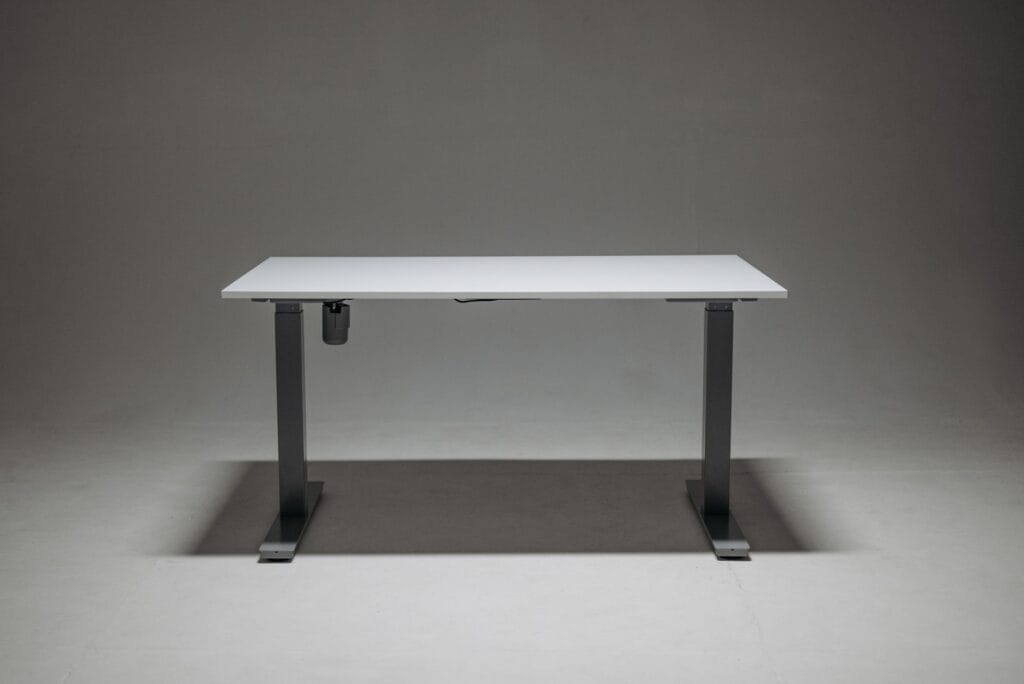
If your office allows it, a sit-stand converter can provide helpful variety. The goal with a standing desk is not to stand all day, which carries its own set of circulatory and joint fatigue challenges, but rather to alternate between sitting and standing throughout your shift in roughly thirty- to sixty-minute intervals.
Comprehensive Medical Evaluation and Recovery
When ergonomic changes and gentle stretching are not enough to relieve persistent discomfort, a comprehensive medical assessment can uncover the root cause of your symptoms. Work-related pain is not always a simple muscle ache; it can stem from underlying disc degeneration, facet joint arthritis, or subtle nerve entrapments that require clinical intervention.
An evaluation begins with a detailed physical and postural exam to identify biomechanical imbalances, joint restrictions, and nerve irritation. When necessary, on-site diagnostics like digital x-rays allow your physician to assess vertebral spacing, rule out structural issues, and develop a targeted treatment strategy. Treatment may involve guided rehabilitation through specialized physical therapy to rebuild postural endurance, or targeted medical treatments to quiet chronic tissue inflammation.
When to See a Doctor
While occasional muscle soreness is common after a demanding work week, certain red-flag symptoms warrant prompt medical attention rather than self-treatment:
- Numbness, tingling, or a “pins and needles” sensation extending into your fingers, hands, legs, or feet.
- Noticeable weakness in your grip, difficulty opening jars, or clumsiness when typing.
- Sharp, burning, or shooting pain that radiates down your arm or leg.
- Persistent neck or back pain that wakes you from sleep or fails to improve after two weeks of rest and ergonomic adjustments.
- Any sudden changes in bowel or bladder function alongside back pain, which requires emergency medical evaluation.
How HealthZone MD Can Help
At HealthZone MD in Katy, Texas, Dr. Chukwuemeka Nnabuife takes an integrated approach to occupational health and musculoskeletal wellness. Combining family medicine with specialized sports medicine principles, our team evaluates not just where it hurts, but how your daily work habits, posture, and movement patterns contribute to your symptoms. Whether you need an accurate diagnosis for persistent desk-related pain, guidance on physical rehabilitation, or a personalized recovery plan to keep you performing at your best, we are here to support you. You can schedule an evaluation online by visiting our appointments page.
This article is for informational and educational purposes only and should not be used as a substitute for professional medical advice, diagnosis, or treatment.
Frequently Asked Questions
How high should my computer monitor be to avoid neck pain?
Your monitor should be placed so that the top third of the screen is at or slightly below your natural eye level. This setup keeps your neck in a neutral position and prevents you from tilting your head up or down.
Is standing all day at work better than sitting?
Standing all day is not necessarily better than sitting, as prolonged static standing can cause foot fatigue, varicose veins, and lower back strain. The ideal strategy is alternating between sitting and standing every 30 to 60 minutes.
Why do my hands tingle when I type at my desk?
Tingling in your hands or fingers is often caused by nerve compression at the wrist or elbow, frequently exacerbated by resting your wrists on hard desk edges or awkward typing angles. If this symptom persists, you should have it evaluated by a physician.
What is the single most important adjustment for an ergonomic chair?
Proper lumbar support is critical because it maintains the natural inward curve of your lower spine. Ensuring your feet rest flat on the floor with your thighs parallel to the ground is equally vital for pelvic stability.
This article is for general information only and is not a substitute for professional medical advice. Please consult a qualified provider about your individual health.
Related Articles